
Almost gone are the days of a physical sim that carries your phone number. Now we have eSims. An eSIM is an embedded version of a physical SIM card within your device, providing connectivity to Spark's network without the need for a physical card. Here's how to set one up on your phone.
The Helpdesk will send you an email with a QR code in it.
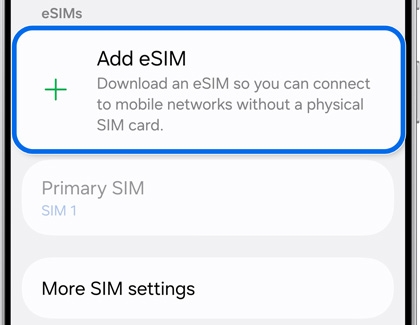
- Navigate to and open Settings, then tap Connections, then tap SIM manager, and then tap Add eSIM.
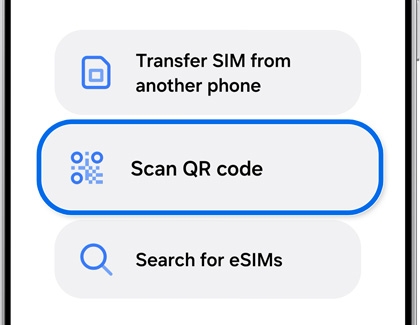
- Tap Scan QR code, and then scan the QR code from the email. It's best to open the email on a laptop to do this.
- Restart the device to apply the eSIM profile.
Comments
Please sign in to leave a comment.